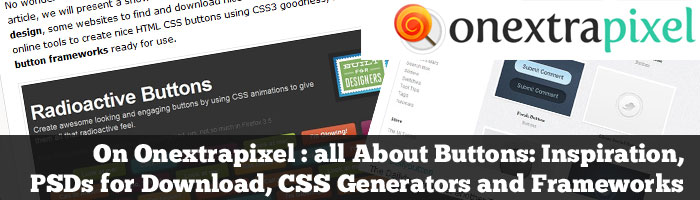
Button design is an important part of a website design. I put together on Onextrapixel some button galleries, PSD to download, CSS3 button generator and button Framework for your inspiration. See the article on Onextrapixel :
All About Buttons: Inspiration, PSDs for Download, CSS Generators and Frameworks
Hi Ste9phanie,This is really a time saver the way you exaplined. I have downloaded the action and tried some snapshots. However, since you mentioned I usually start with mdpi do you mean to say we have to complete 4 sizes of mdpi (as per android screen guidelines such as 320 480, 480 800, 480 854, 600 1024, 1024 768, 1280 768 etc) since they all fall under mdpi.may be i am missing out something kindly suggest
Hi Rafael, it’s not much about the screen size, than about the pixel density. In the guildelines (and when you build the app in eclpise) you get a folder with the 4 size where you can put your drawables. If you have a 320×480 or 480 x800 mdpi screen does not matter, it will use the same drawables. The best way to ensure scallability is to create layouts, and also to use repeatable backgrounds, or use png9 to stretch some parts of the drawables created to make them fit the screen.